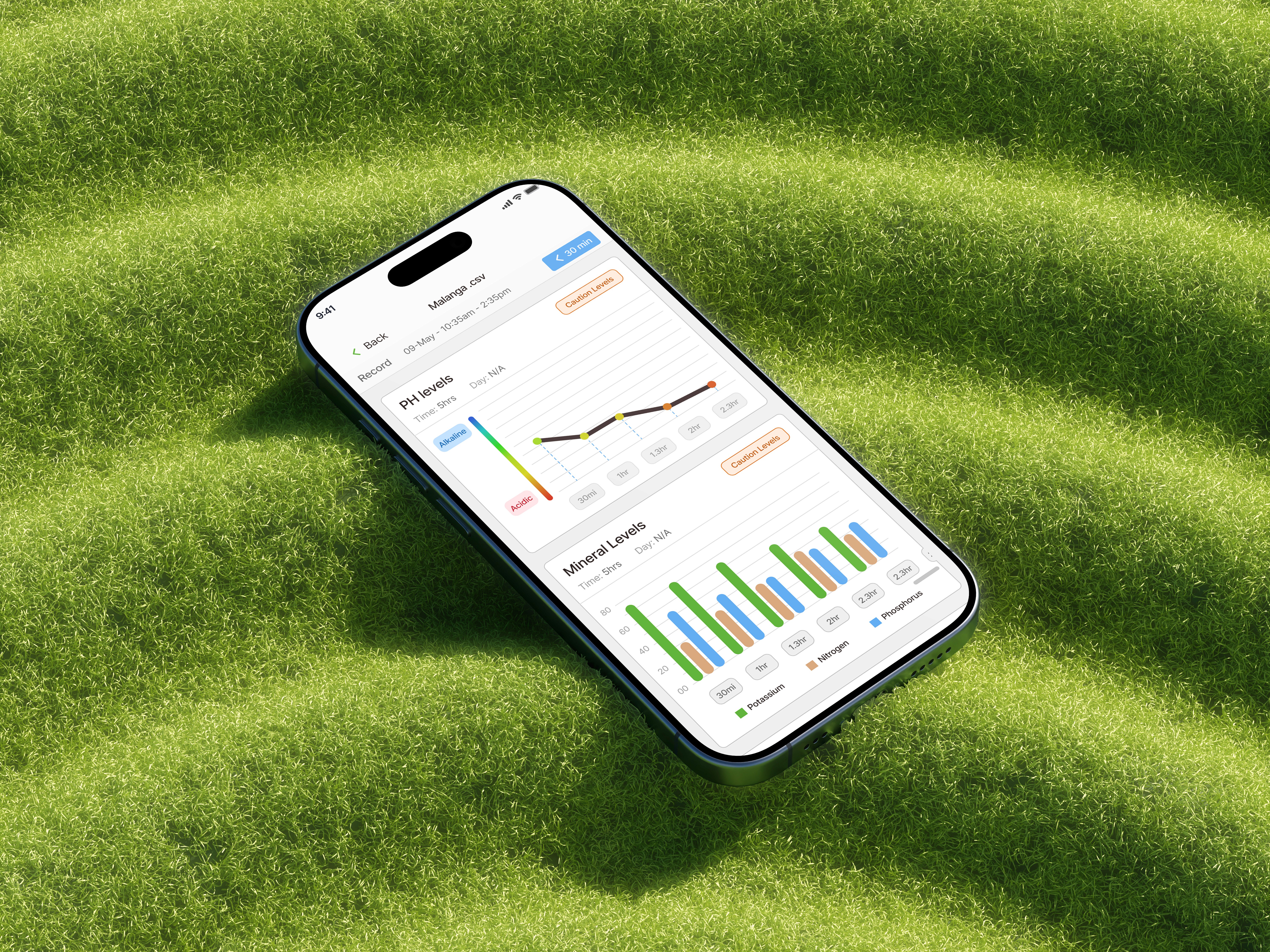
Product & branding for Spot Watch
Smart Campus Parking Experience
Industry
Park Monitoring
Client
UPRM Students
Tools
Figma, Adobe Illustrator, Photoshop
Time frame
Ongoing
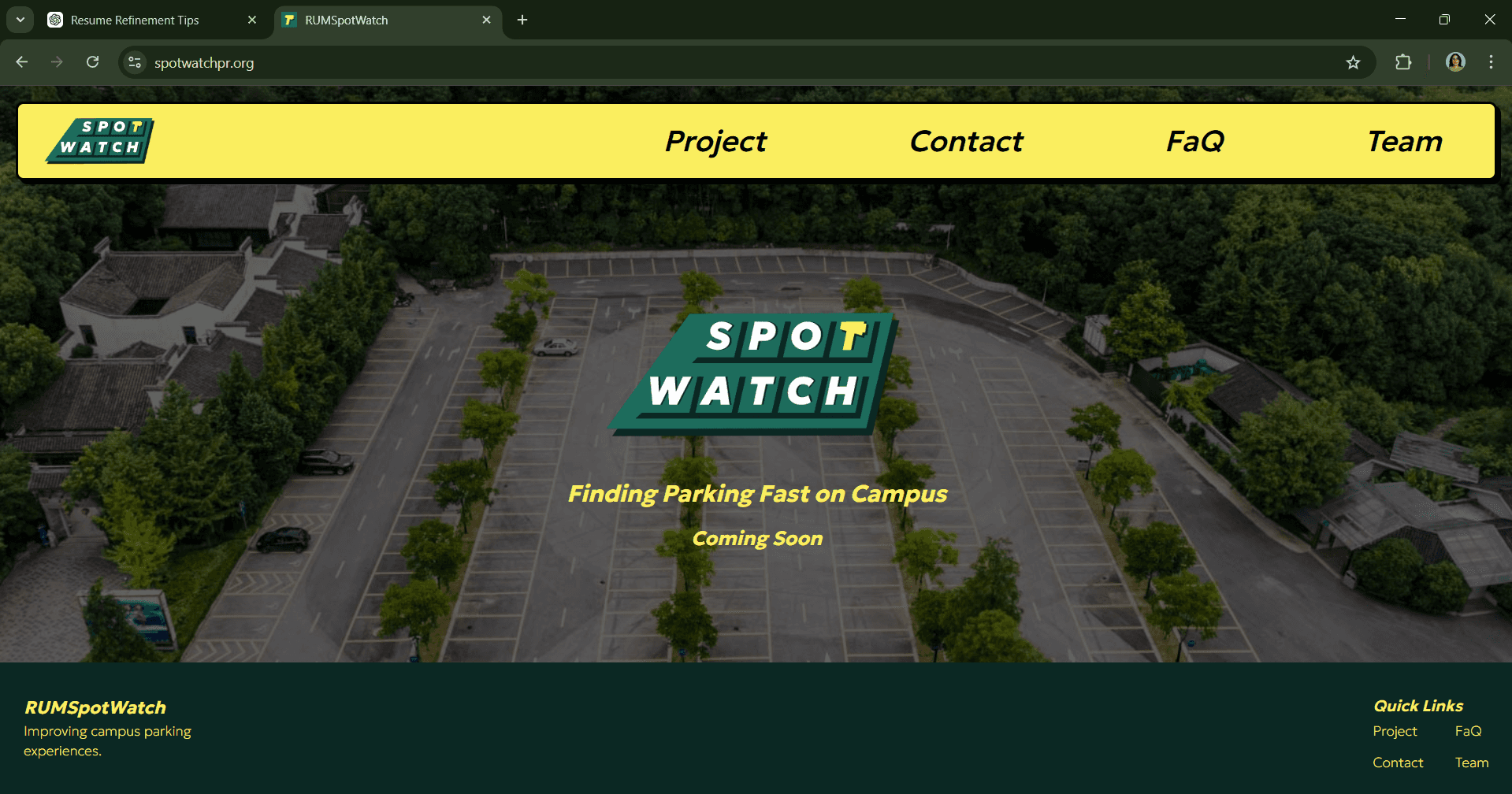
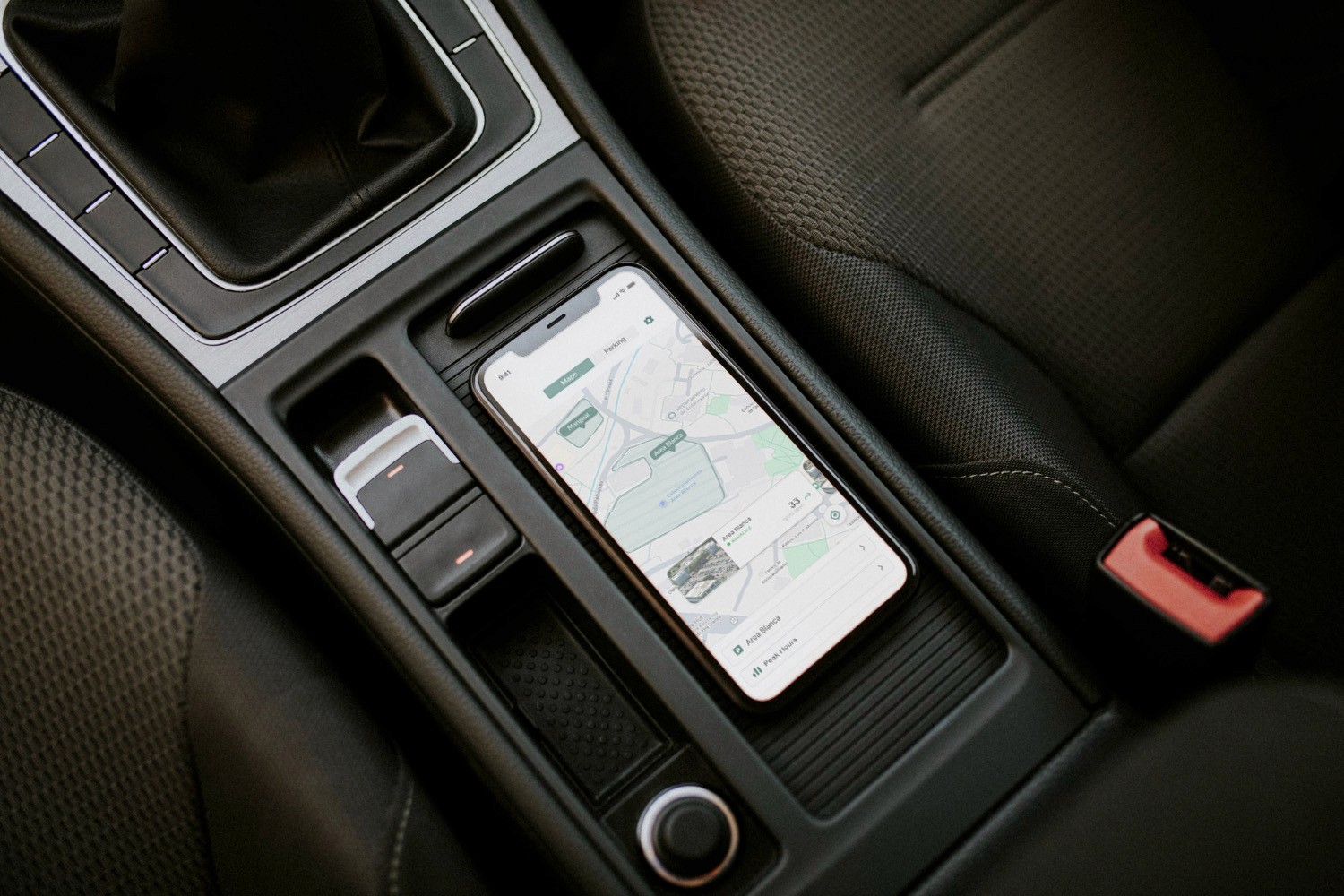
Spot Watch is a mobile parking solution designed to help university students and staff find parking efficiently using real-time data and predictive insights. The project was developed in collaboration with a student team participating in the Toyota Mobility Challenge, an initiative focused on improving transportation within capmpus.
Visit Article
Background
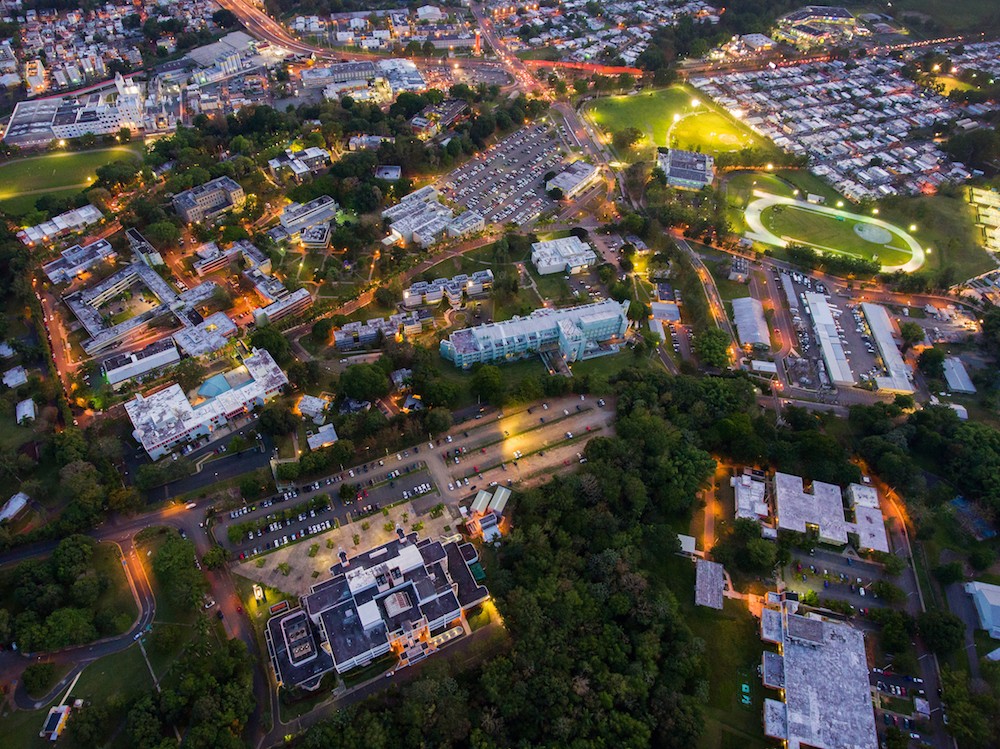
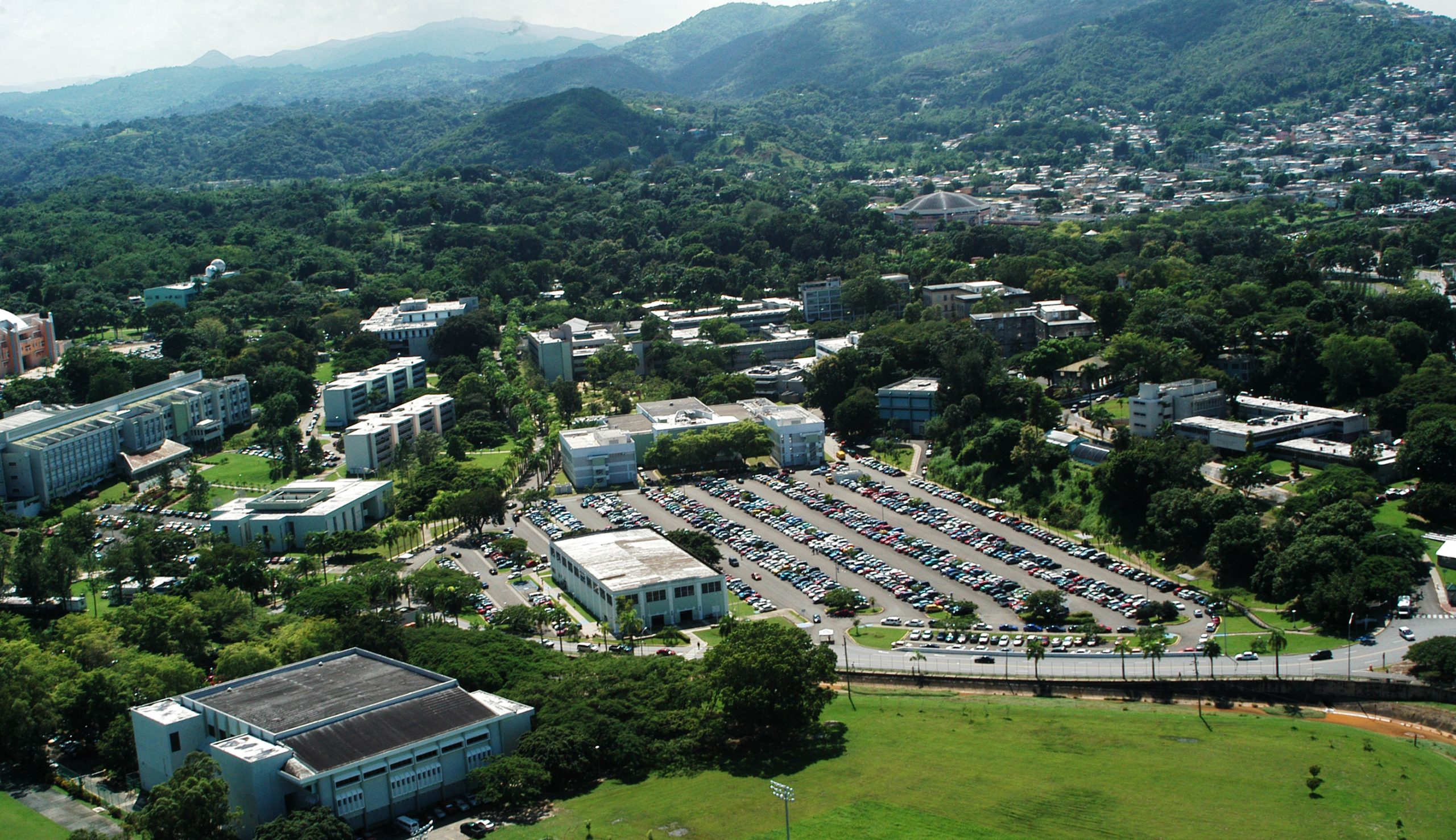
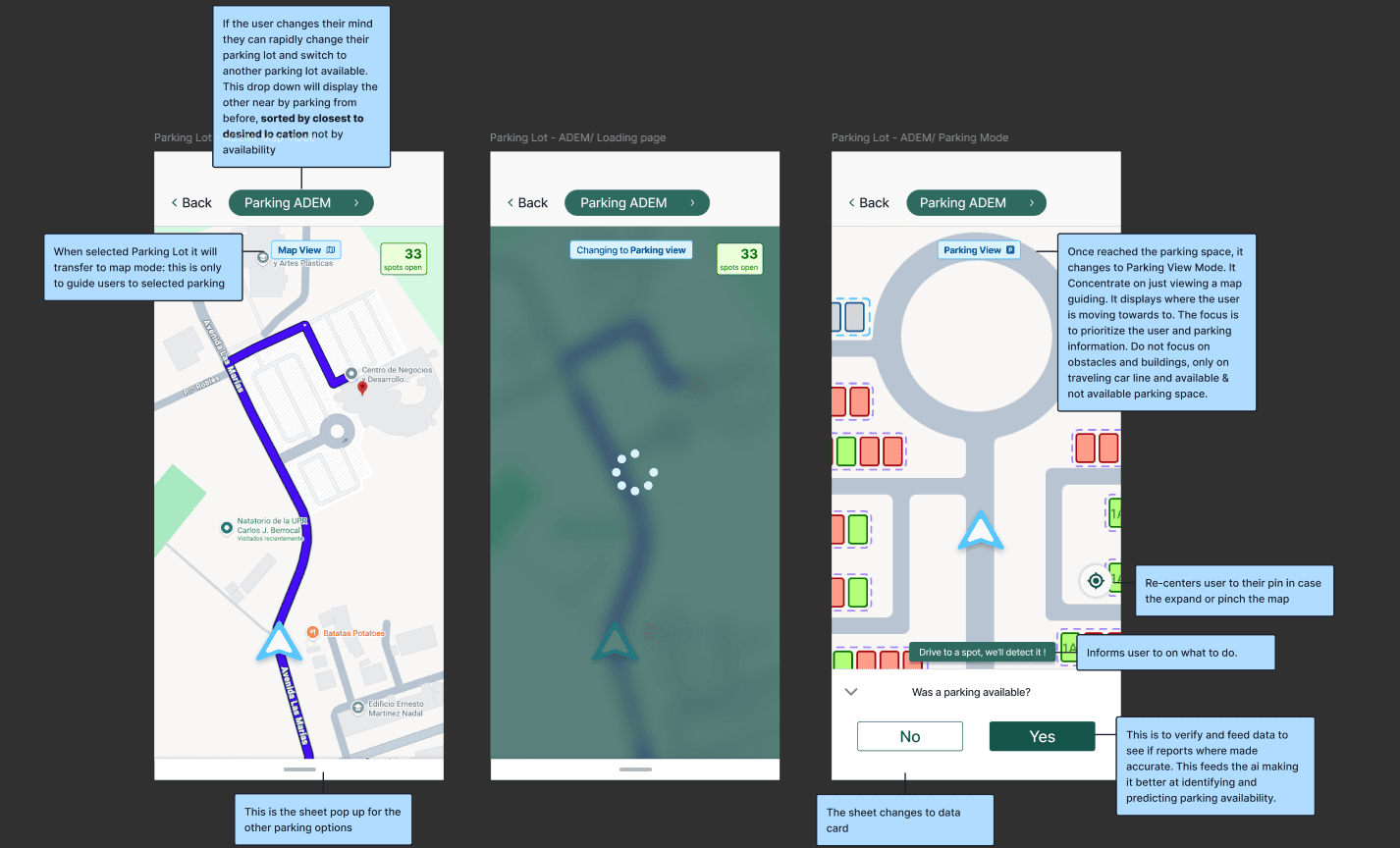
Users lack visibility into available spaces and have no guidance where to park. Existing approaches are outdated for the amount of students attending UPRM.
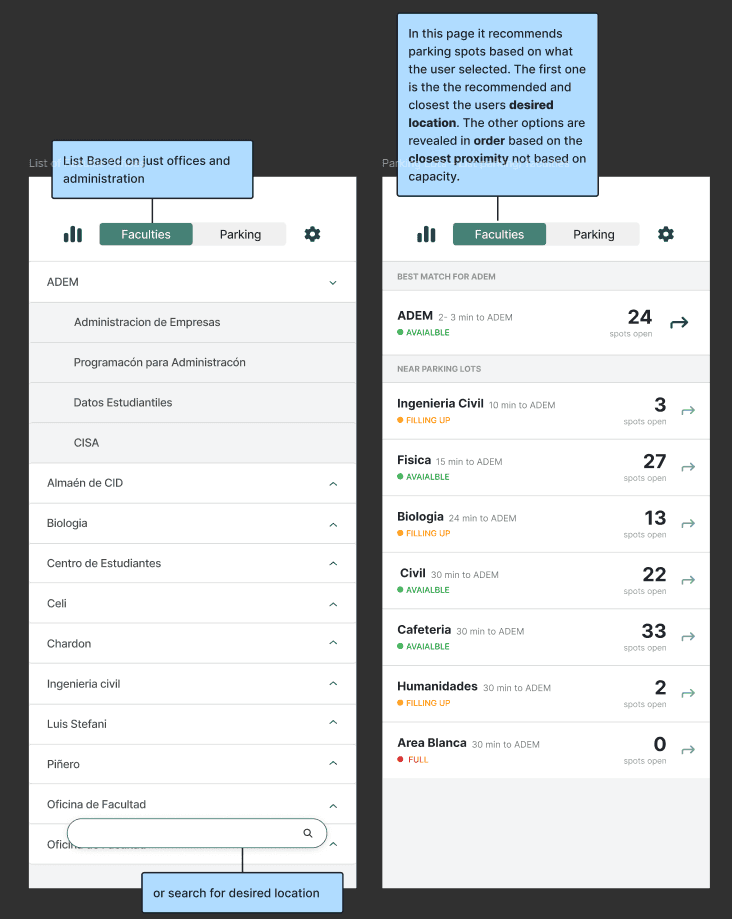
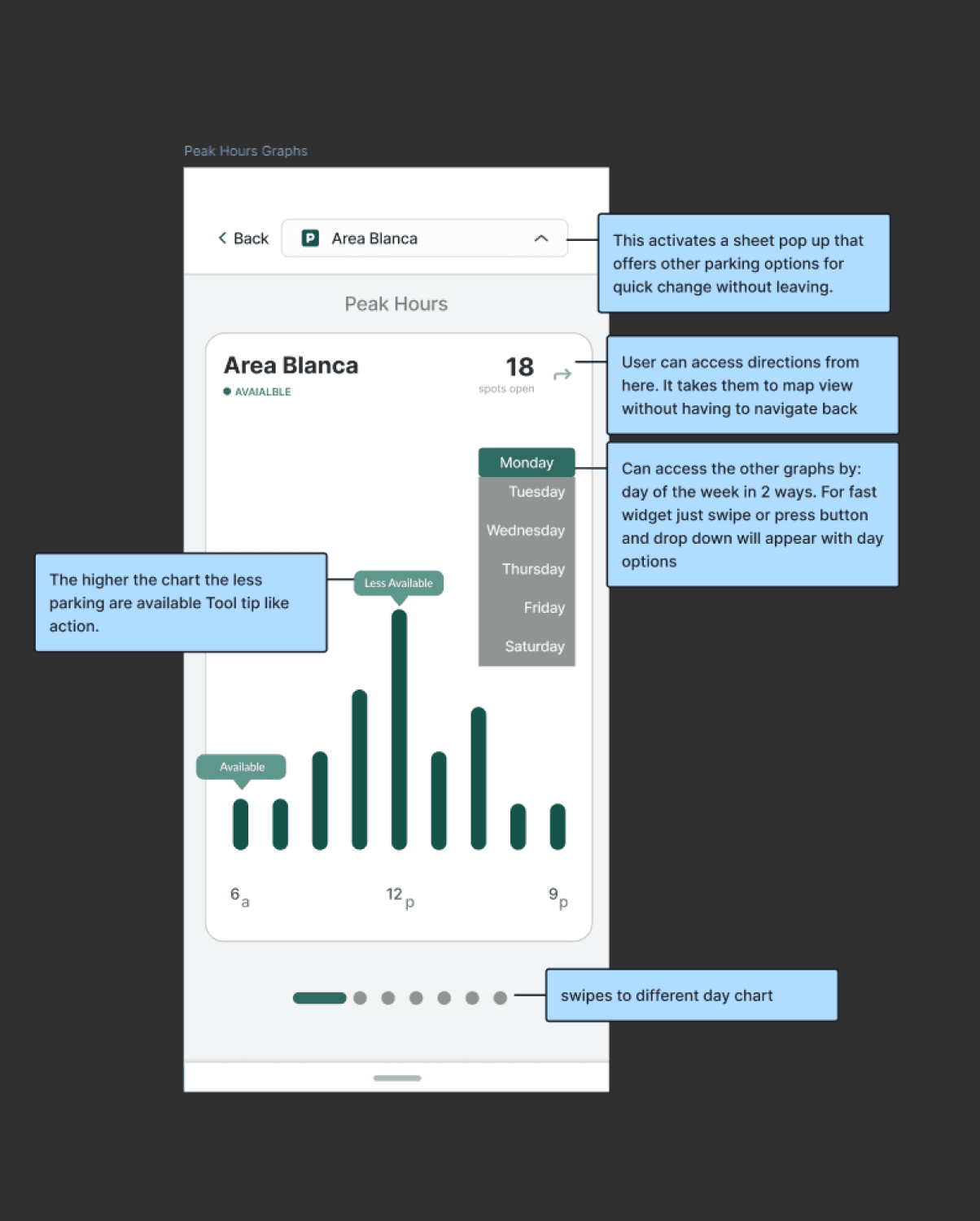
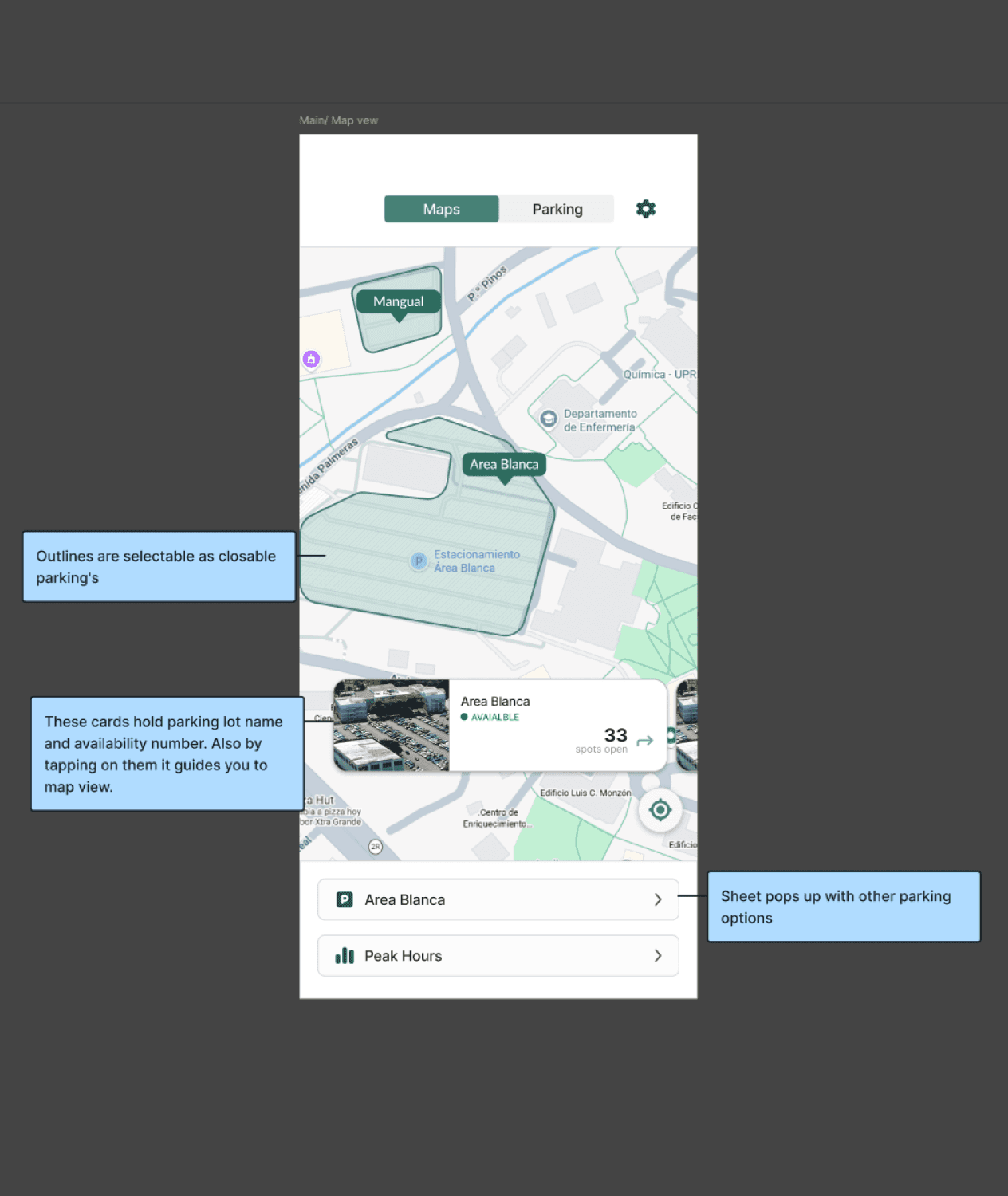
The goal was to design an app that helped users find parking faster, provides insight into when parking is most available, supports a destination-based mindset, and creates a seamless, all-in-one experience without relying on external tools.
Visit Website

Role
Design Approach

Constraints
Despite these constraints, the design was structured to be scalable and ready for future implementation.
• Cross work with a distributed student team
• Leadership & permit issues for testing.
• Limited time data integration at the design stage.
• Project development ongoing post-graduation.
Logo & Design
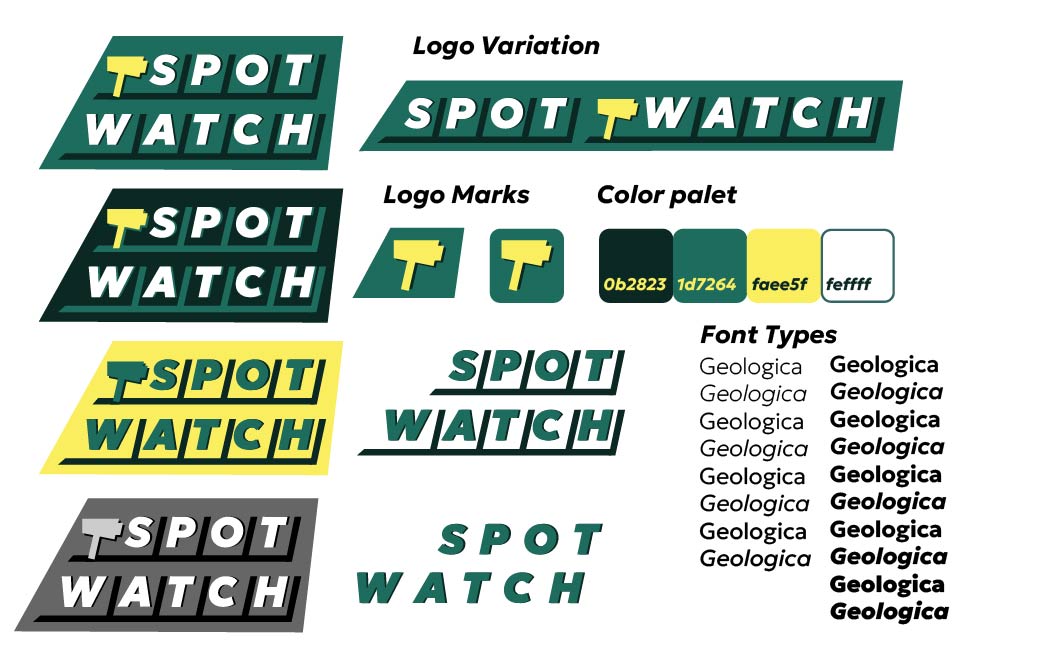
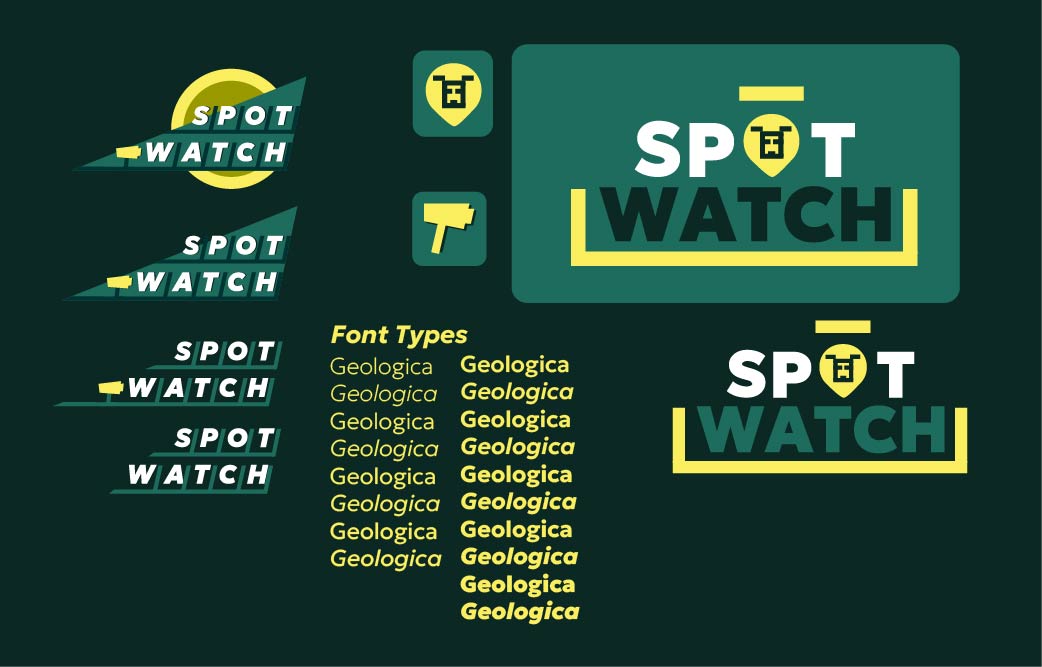
In addition to the product experience, I developed the visual identity for Spot Watch to reinforce clarity, structure, and reliability. The logo combines typography with an embedded icon, reflecting both the concept of parking and system monitoring. The design emphasizes strong geometry, straight lines, and structured forms to communicate order and precision key qualities for a system users depend on when making quick decisions.
The visual language was intentionally minimal and functional, aligning with the goal of reducing cognitive load. Every design choice supports the idea that users should be able to quickly understand where to go and trust the system’s guidance.